Choose your keyboard layout
Make the on-screen keyboard match the keys in front of you.
Check the Windows input language
Open the input menu in the taskbar and check the selected keyboard. A language can have multiple layouts, such as US and UK English, so look at the layout name as well.
Match the app settings
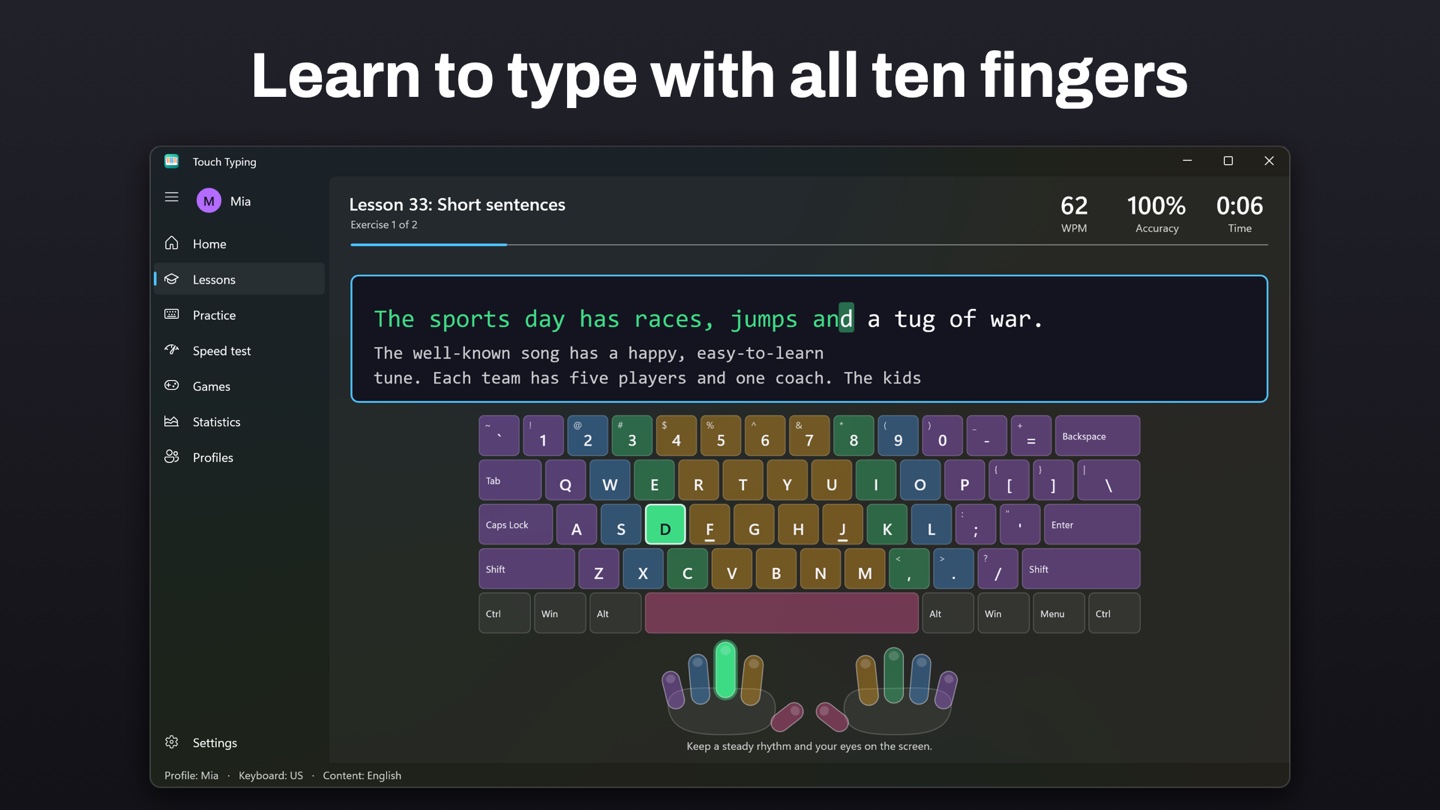
In Touch Typing, open Settings and choose the same layout, or use automatic detection. Try a few letters and punctuation marks to check that the guides match.
Keep your baseline consistent
When switching layouts, start with a short lesson and measure your accuracy again. Keep separate baselines so you can see how much you improve on each keyboard.
Ask a question
Tell us what works for you or what you’d like us to improve. The form opens a draft in your email app.