Your first typing lesson
Set up your keyboard and start from the home row.
Check your keyboard
In Windows, check the active keyboard layout. Open Touch Typing and choose the same layout in Settings so the highlighted keys match the keyboard in front of you.
Find the home row
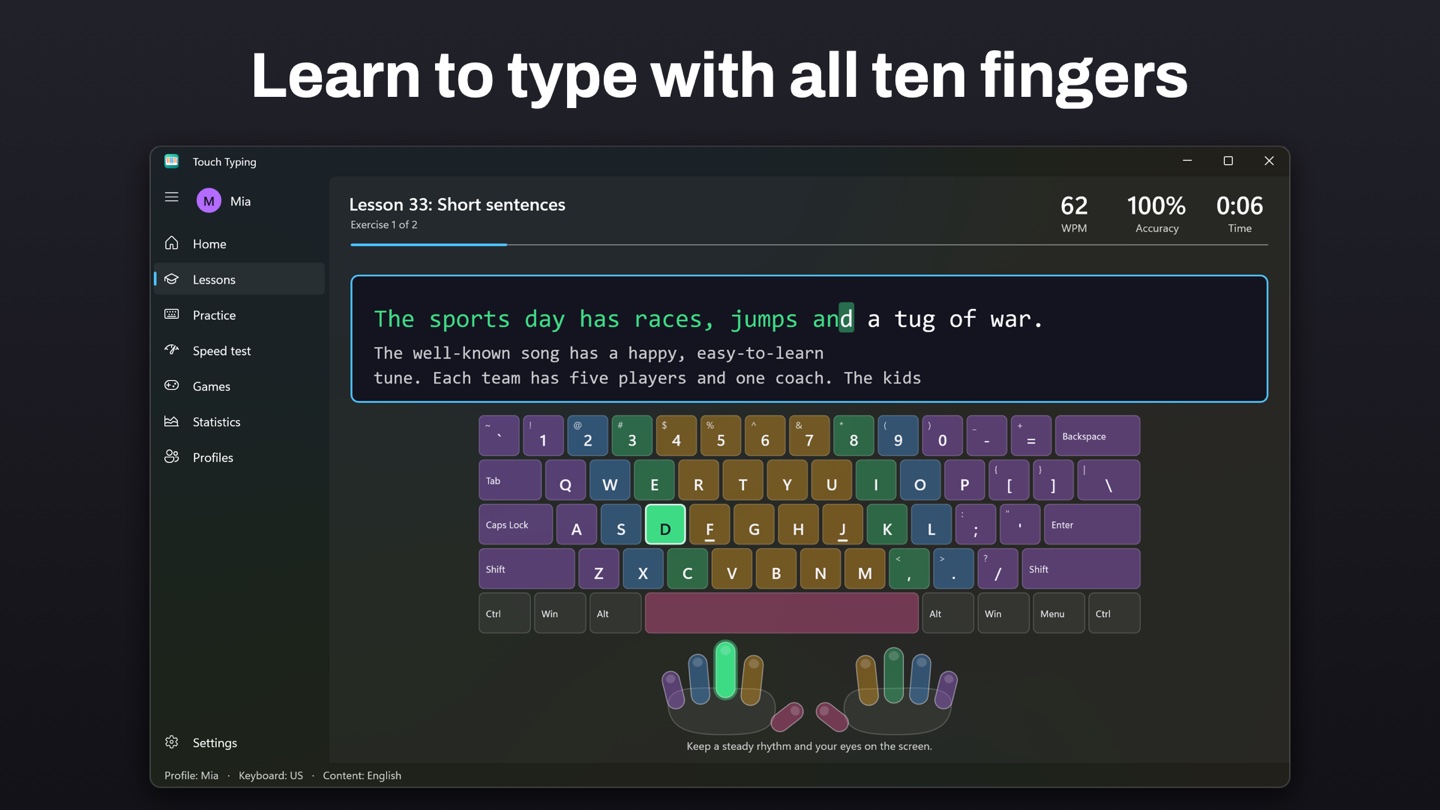
On a QWERTY keyboard, rest your index fingers on F and J. Most physical keyboards have a small bump on those keys. Let the other fingers rest on the keys next to them.
Start a short lesson
Open Lessons and choose a home-row exercise. Follow the coloured keyboard and the finger guide. Try to keep your eyes on the text and return your fingers to their starting positions after reaching for a key.
Try the typing test Get it for Windows
Ask a question
Tell us what works for you or what you’d like us to improve. The form opens a draft in your email app.